LunaFive · 2016 · iOS
Cognition
A hand-drawn "tap-former" puzzle game for iOS. Players steer two perpetually rotating cogs — Click and Cogsworth — through the imaginary worlds inside a troubled inventor's mind. I led core gameplay, player experience, and visual design.
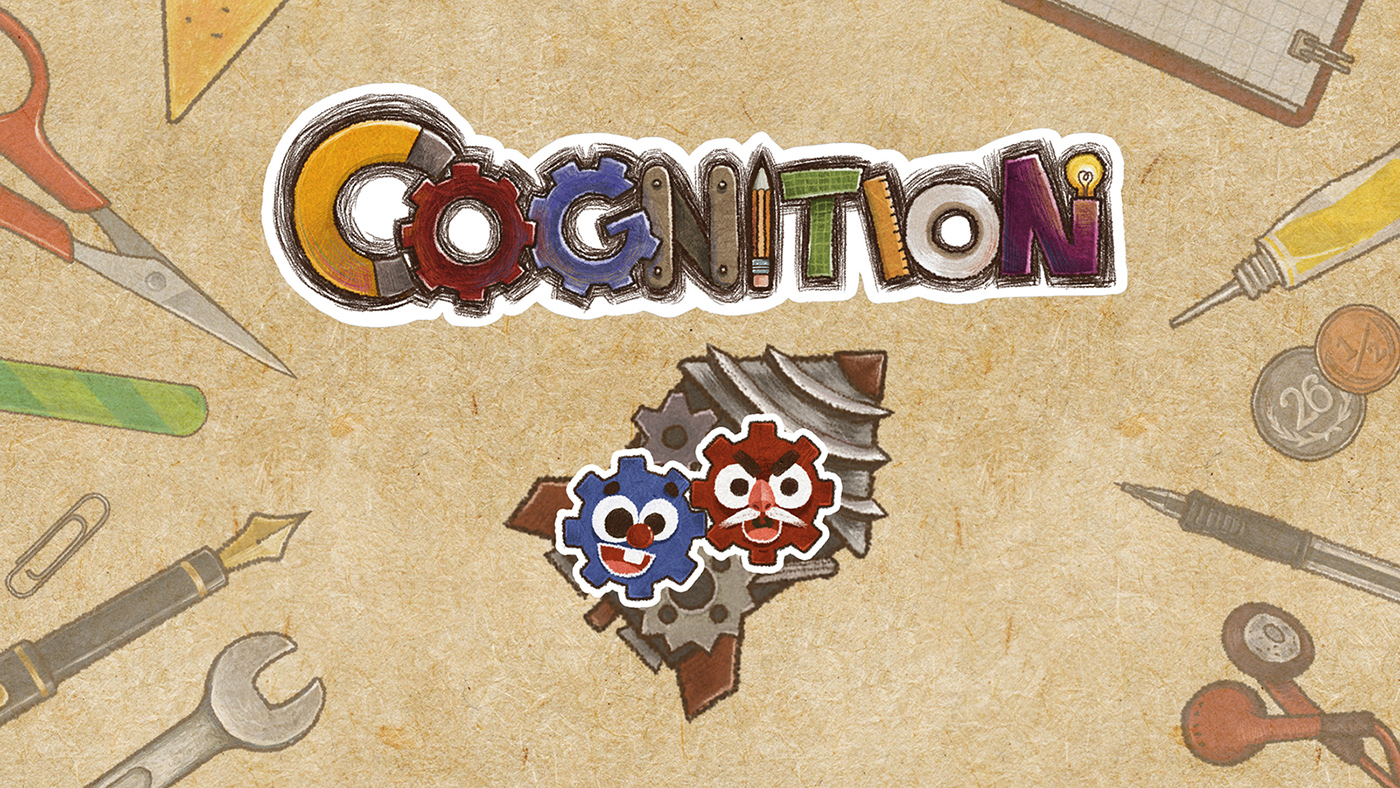
Two cogs, one mind
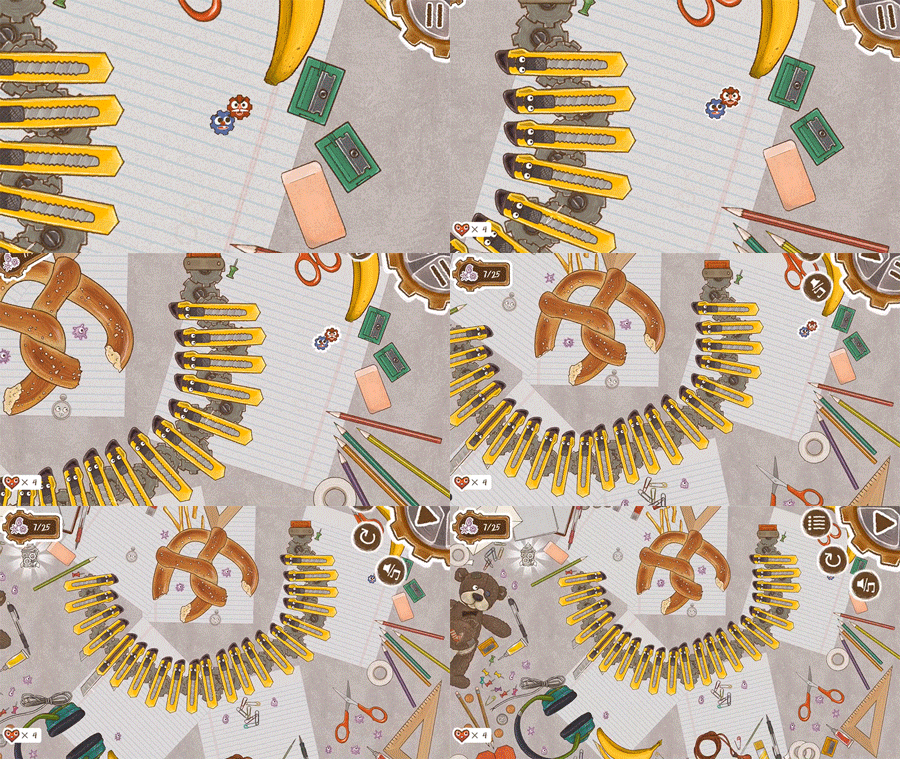
The twist is in the controls. Tapping the screen stops one cog, which frees the other to swing around it — and chaining those stops is how players climb, cross gaps, and solve each puzzle.
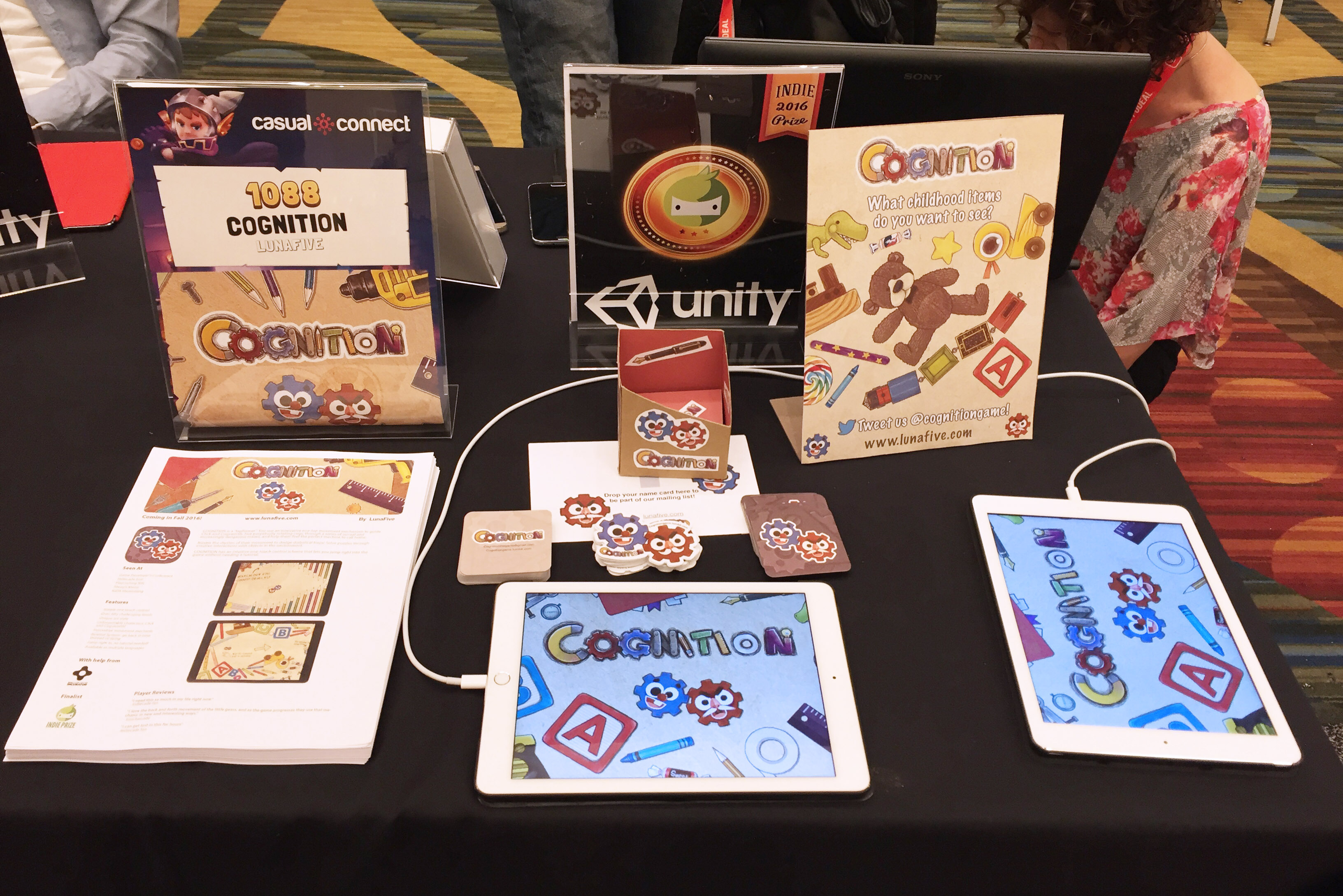
COGNITION was built by LunaFive, a five-person indie studio, and was featured on the Apple App Store in 130 countries.

Leading gameplay & visual design
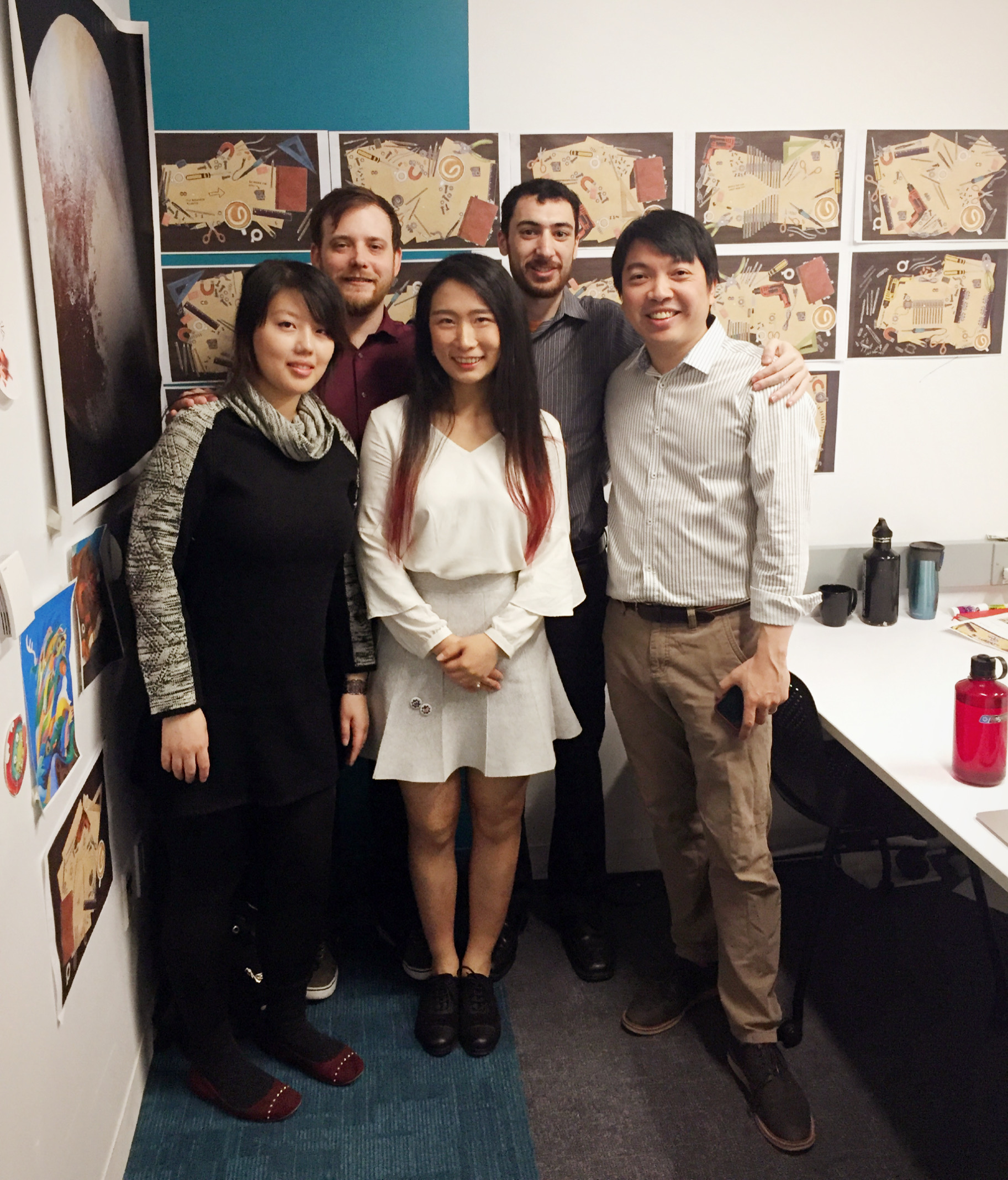
My specialty is using visual language to carry information and deepen play — and on Cognition that ran across gameplay, UI, and art direction. The rest of the team: Eric Teo, Chris McGinnis, Wen Shi, and Alexander Feigenbaum.
Killing prototype babies, raising new ones
After our five members teamed up in late 2015, a stream of new ideas led us to kill our prototype "babies" and raise new ones — again and again — until we were genuinely happy with the final game. Below are the early pitches and prototypes from across that journey. Most of the ideas and art I made never shipped, but each gave me real practice at brainstorming and drawing quick concept art to serve every prototype.
Story 1 — A game about Pluto
In the summer of 2015, I felt genuinely sad that Pluto had been evicted from the solar system — so I came up with a game about Pluto's adventure. I pitched the idea to a lot of game developers, and a team of five formed very quickly.
"Little Pluto has been evicted from the solar system for not completing the 'I AM A PLANET' merit award! With his trusty backpack of favorite things, he roams the universe, helping other planets gain enough badges to qualify for the award."
Elevator pitch · 15 Sept 2015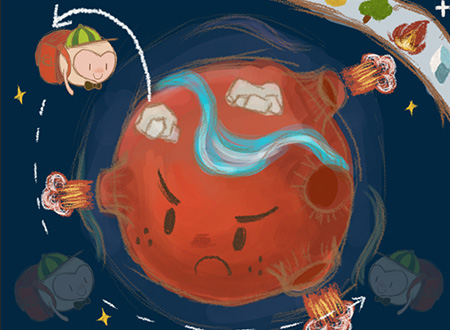
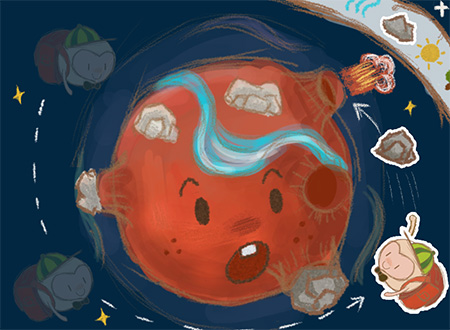
Based on our first team meeting, I drew the concept of the game — the player controls Pluto to reshape the planets.
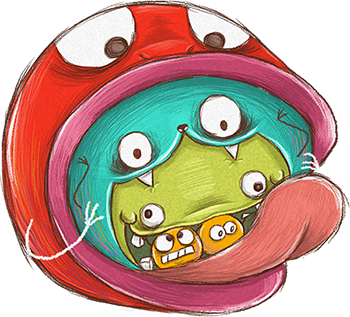

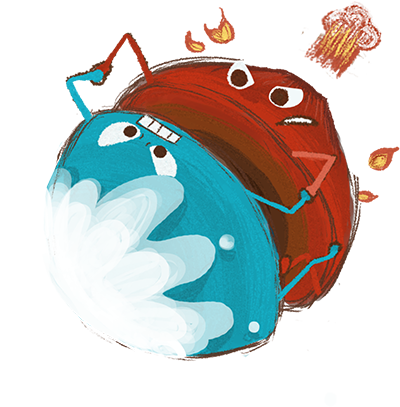
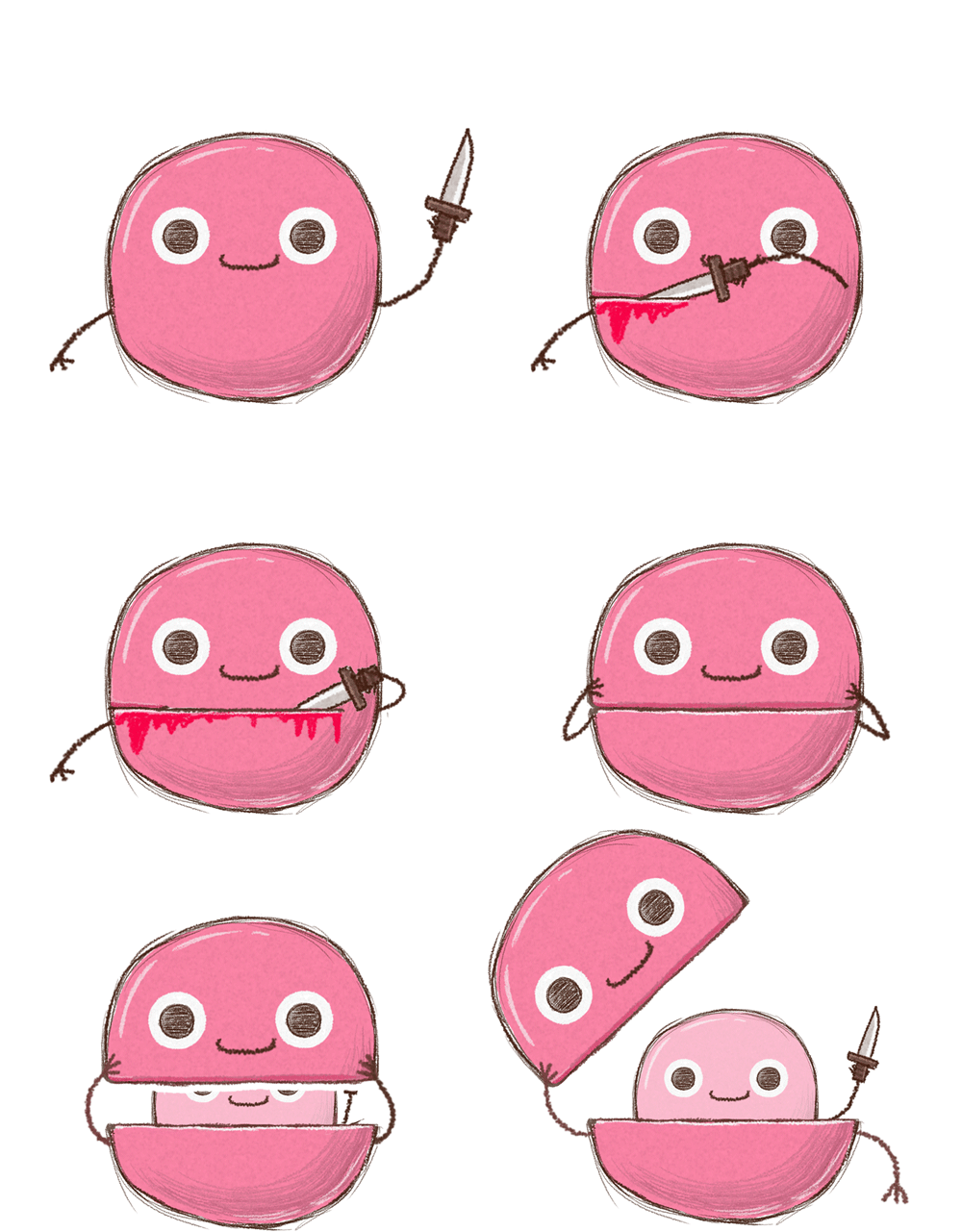
Ice & Fire Planet, Biting Planet, Juice Planet, Suicide Planet — concept art giving each planet its own personality through visual language. I drew these both from existing gameplay ideas and to inspire new ones, taking cues from Adventure Time.
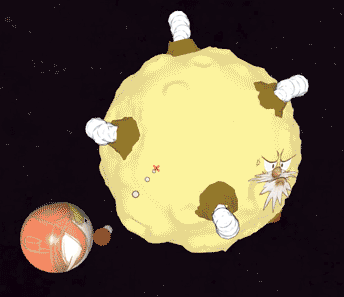
Story 2 — A game about two circles
The first prototype got great feedback and the whole team loved the direction — but after weighing the time and cost of designing unique world art and puzzle mechanics for every level, we decided to focus on one core mechanic and make that mechanic genuinely fun. Building on the "planet bites planet" concept, the second direction became Pluto and his moon rotating around each other to move, bully, and be bullied.
"Celestial Buddies is a single-player hand-drawn action game with a unique orbiting mechanic that presents challenges in an interesting way. Control the buddies through touch input to eat space debris, grow bigger, and populate the universe with stars."
Elevator pitch · 15 Dec 2015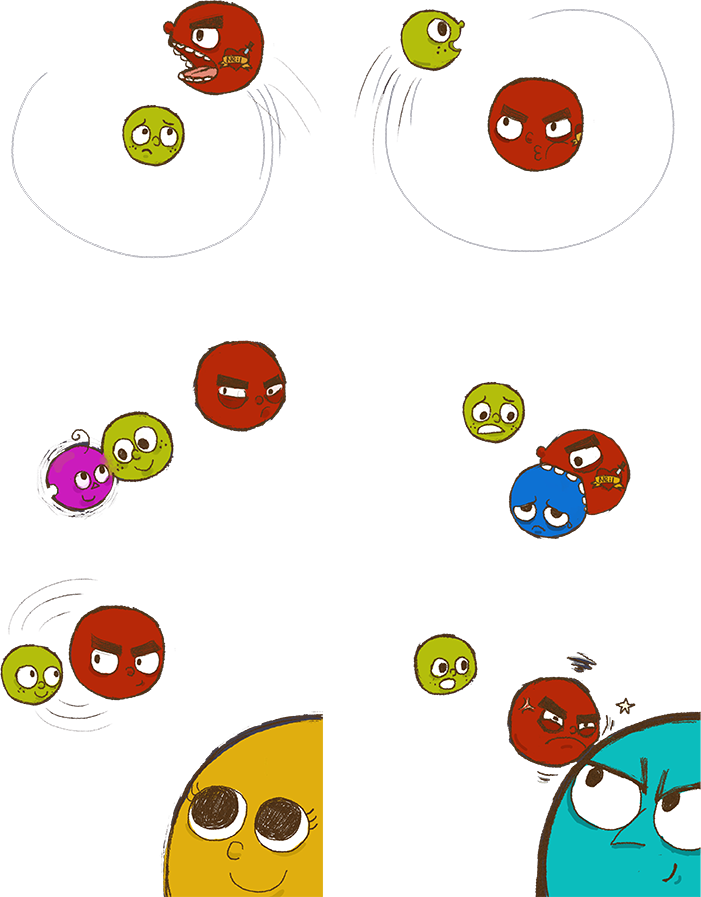
Story 3 — A game on the table
Once the core mechanic was settled, we realized gears would represent the rotating movement far better — both visually and cognitively — than the planets we'd been using. So we switched the characters to gears and set the game on hand-drawn paper.
"COGNITION is a single-player puzzle experience for touch devices where you use a unique movement mechanism to explore a hand-drawn world. Players control two cogs that are connected and constantly rotating around each other. By mastering their movement, players solve puzzles through clever use of objects in the environment."
Elevator pitch · 8 March 2016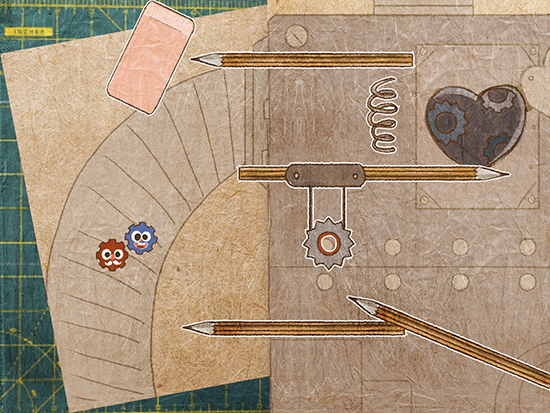

The interface is the narrative
The UI/UX challenge was to tie the whole experience together — from title screen to ending screen — and convey the narrative to players without text, storyboard, or cutscene. The player's interaction with the UI is itself part of the story.
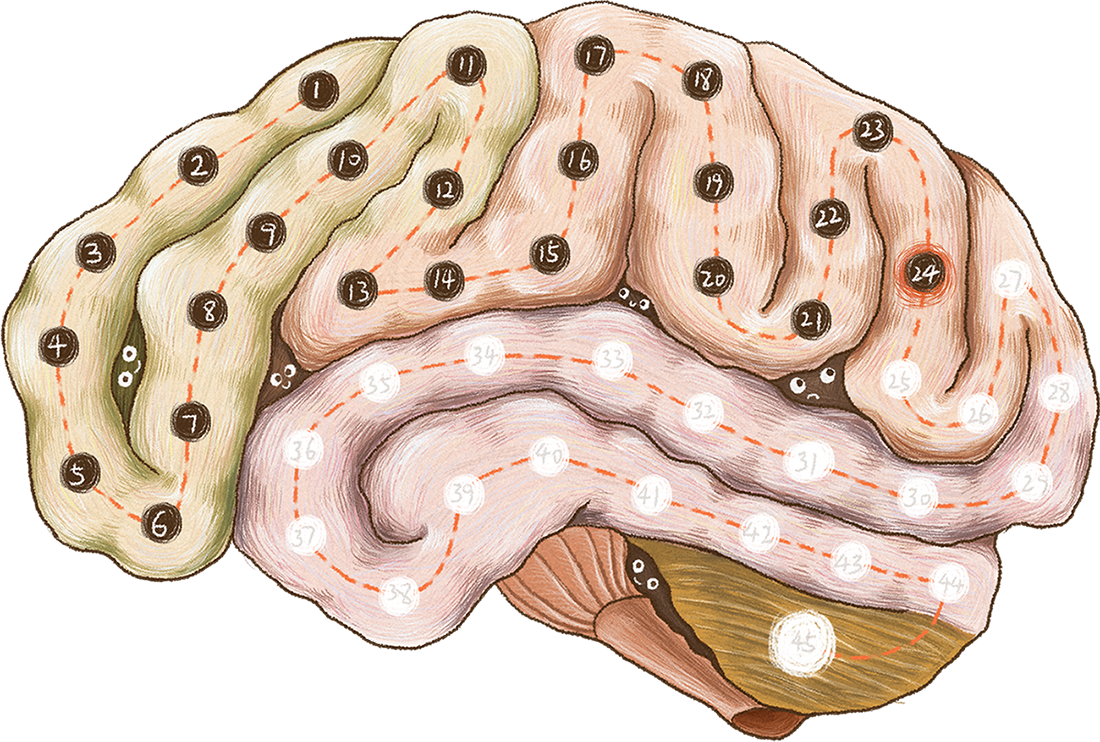
Level-select screen
To tell an interesting story through environmental detail rather than words, the level-select screen is designed inside the sleeping inventor's brain. Two gears jump in and drill a hole, so players intuit — vividly — that the game is set inside someone's mind, perhaps a dream.
End-of-world interaction
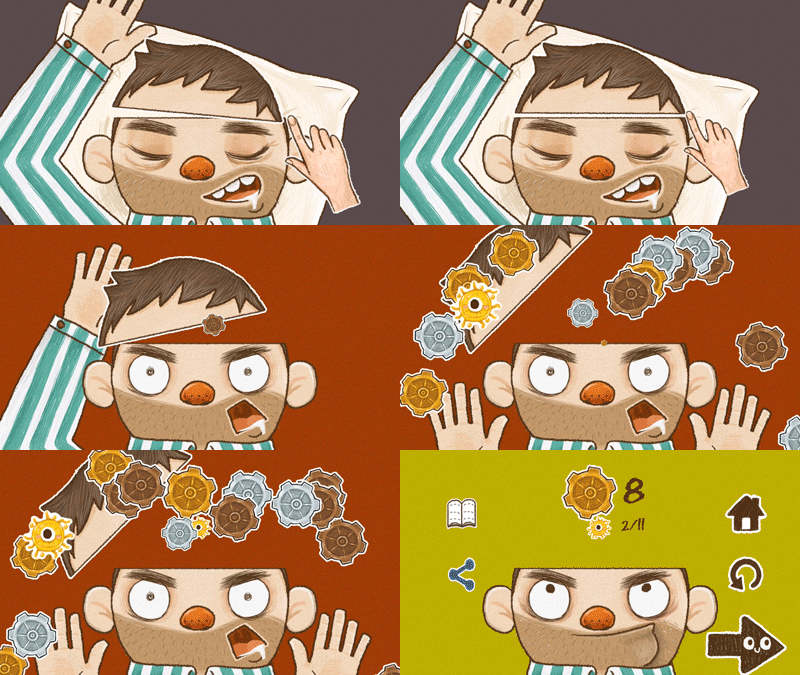
To complete the narrative, at the end of each game world the player interacts with the inventor's shaking scalp to wake him — ending the current period's dream. The player joins the storytelling and makes it whole.
A consistent visual language
The game UI repeats the gear motif across both visual and motion design. At the same time, the buttons have character — like the eyeball-topped items in the game scenes — and use familiar iconography so players instantly recognize each action: introduce the character, set the story background, play, review, and end the story.

Level-ending screen
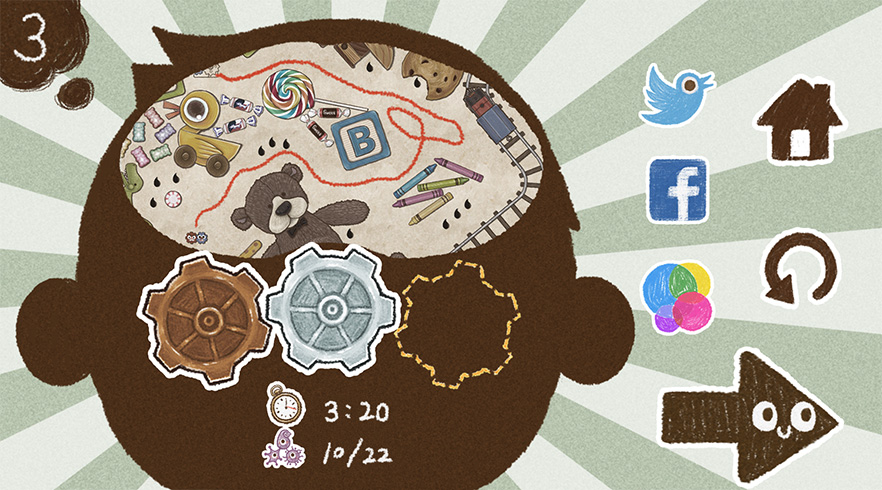
- Array icons by type so results are easy to scan.
- Highlight the buttons used most often on this screen.
- Leave enough space between buttons to prevent mis-taps.
- Desaturate less-important information so it doesn't pop out.
- A human silhouette reinforces the narrative — an adventure inside someone's head.
- Use accurate numbers for the information that matters, and set an expectation for the next, higher goal.
Designing the first impression
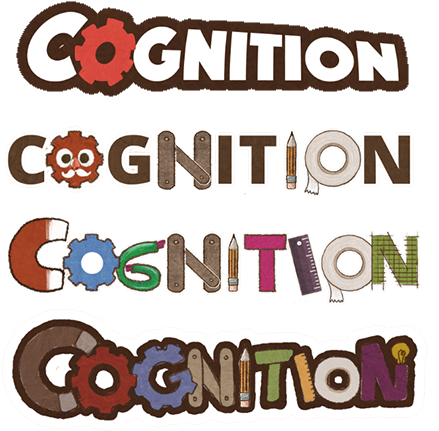
The logo went through many iterations. To give new players an instant read on the game, I built it from its most recognizable elements — the hand-drawn style, gears, and craft tools.

Three memories, three difficulty curves
Cognition has three scenes — the inventor's childhood, youth, and adulthood. The objects in each reflect that stage of life, immersing players in the story while marking how far they've come.
Art is the level design
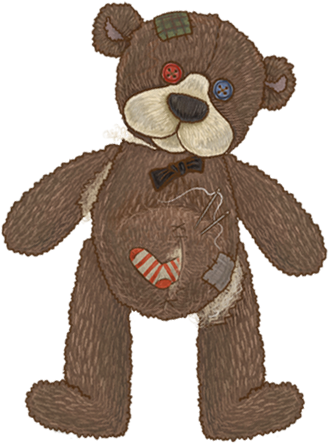
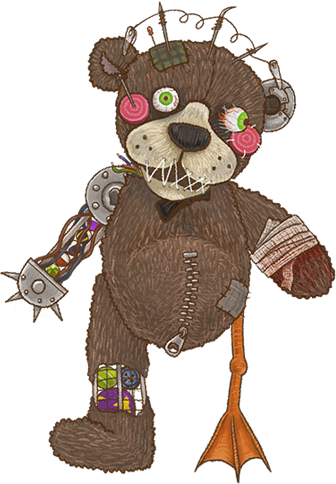
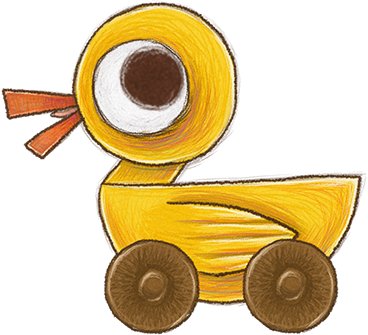
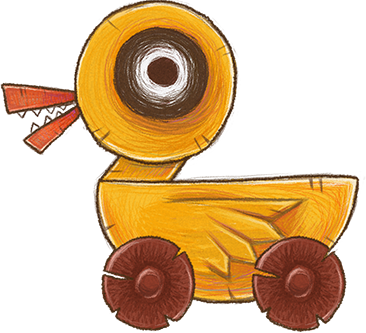
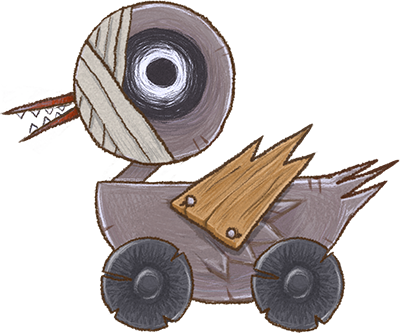
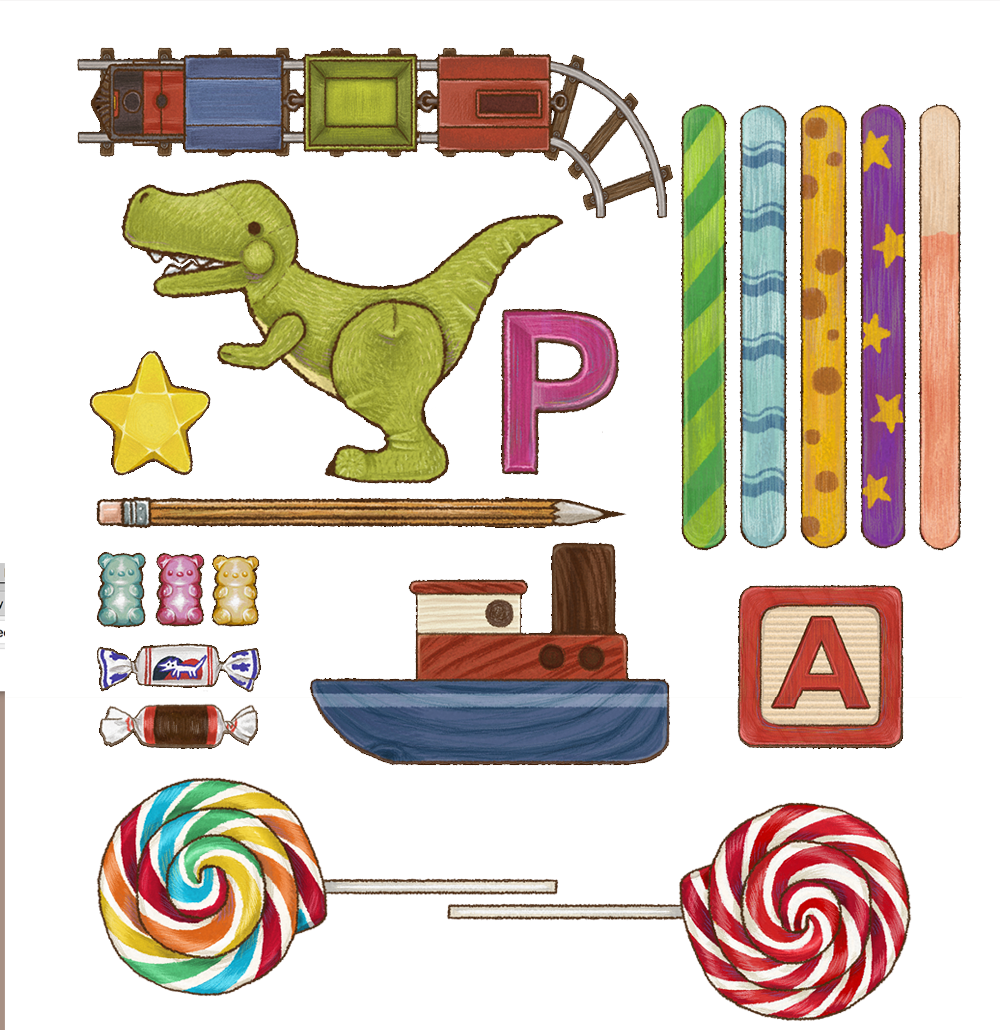
The same props are re-drawn for every level. As the inventor ages, a friendly toy turns sharp and mechanized — so the art itself communicates difficulty and progress before a player reads a single number.
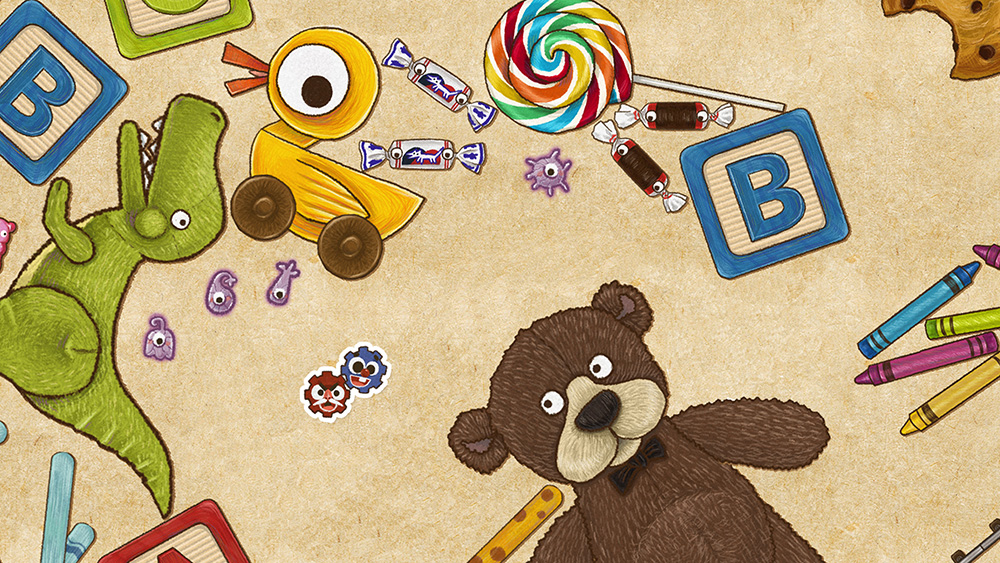
Childhood memory
Everything is cute and colorful. No sharp objects, no death — a safe environment to explore and learn.
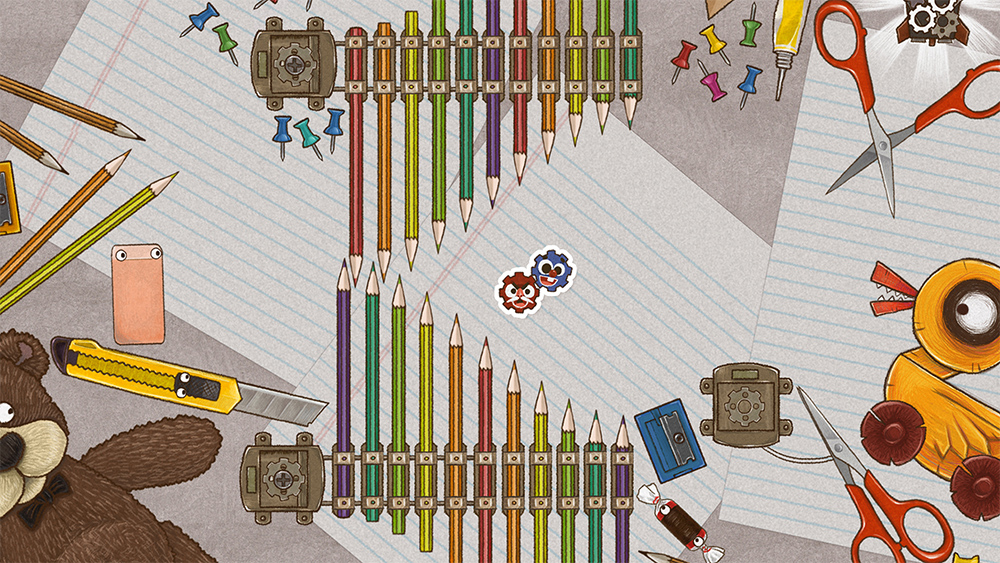
Youth memory
The game gets harder. Objects are less colorful and sharper, and some childhood toys have been modified by the inventor.
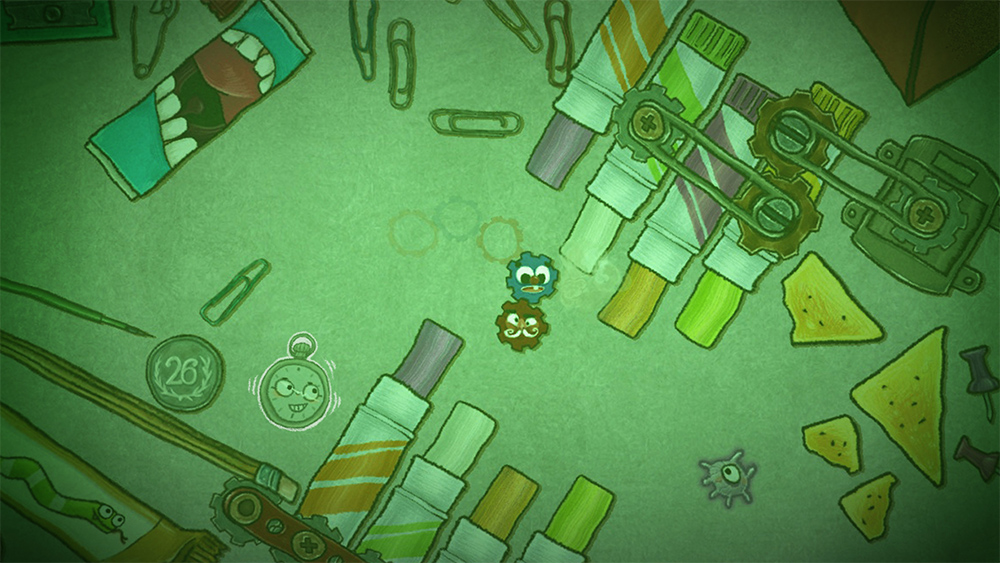
Adulthood memory
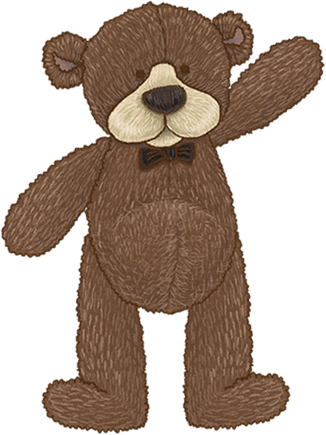
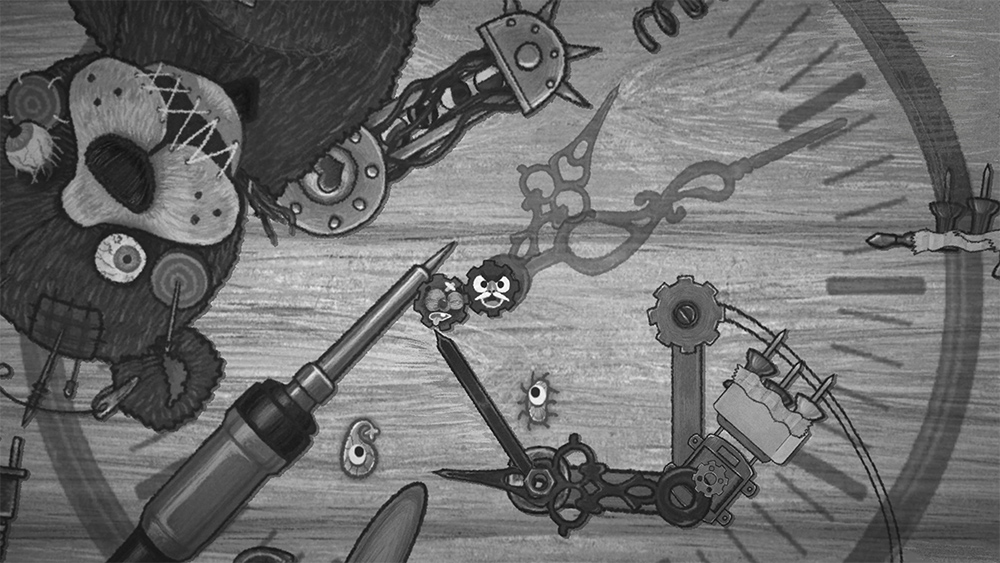
The memory turns hostile. Gray tones take over and nearly everything is built to hurt you — watch for the creepy teddy bear.
Mr. Clock
Mr. Clock slows down the speed of the surroundings. We designed a twisted environment and an unusual color tone to represent this special mechanic's visual effect.
Time rewind
Whenever the player bumps into the dangerous part of an item, instead of restarting the level, time rewinds a few seconds to just before the danger. This makes the game less punishing, more enjoyable, and adds a layer of timing-and-positioning strategy. We desaturate the scene and show a big clock running backward to represent the rewind visually.
Two gears, opposite personalities
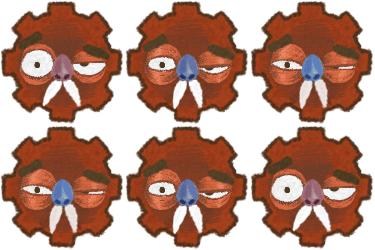
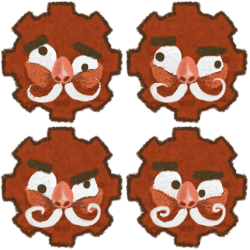
To best represent the game mechanic, we chose two gears as the characters. My character design focused on giving each a strong, opposite personality — expressed through every in-game action and animation — while keeping the two visually distinct on a small mobile screen. I used the duo from the movie Up as inspiration.



Animation & design process
Personality lives in motion. These animation studies range from an eager "Do you want to play with me?" to a grumpy "Go away, leave me alone!"


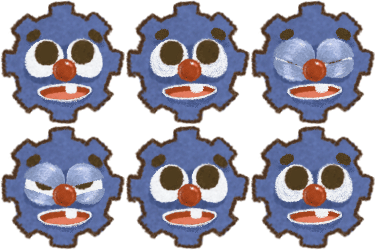
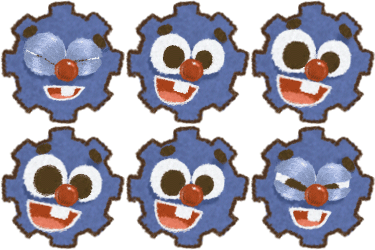
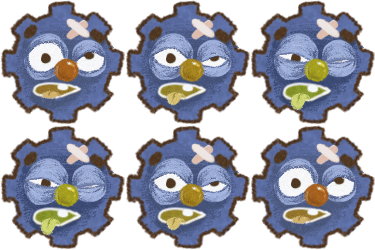

Collectible iMessage stickers
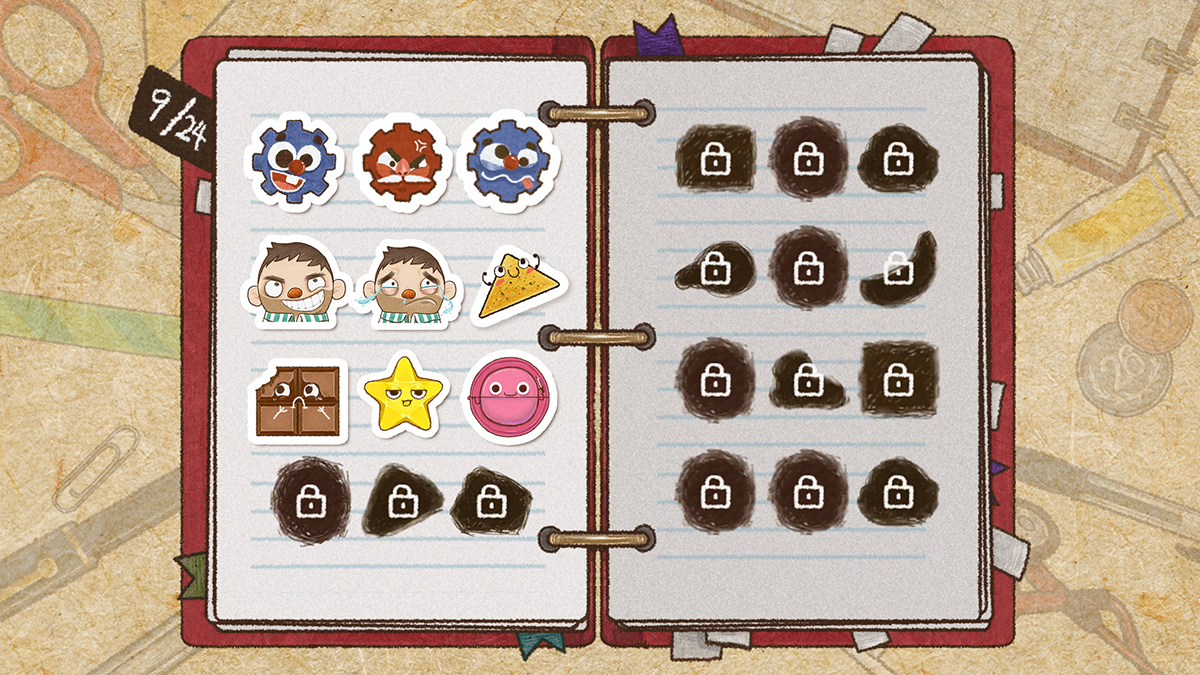
Collecting nerve cells through a level unlocks iMessage stickers — one of the game's signature features. We turned 24 memorable in-game elements into a set that rewards collecting, adds replayability, and helps the Cognition IP spread as players share them.


20+ rounds of playtesting
I ran over 20 rounds of playtesting across the game's development. Tester feedback was my key measure for every iteration — it surfaced the real problems and pushed the experience forward. Thank you to everyone who played Cognition.